SUMMER SALES HUB
In a time of bustling sales, get the strategies and solutions you can trust to maximize performance during the biggest shopping events of summer 2026 — from Amazon Prime Day to Walmart Deal Days and beyond.

The 3 Prime Day Patterns To Shape Your 2026 Strategy
Three things happened last summer. Whether they continue in 2026 will shape your plan. Here’s what to watch.
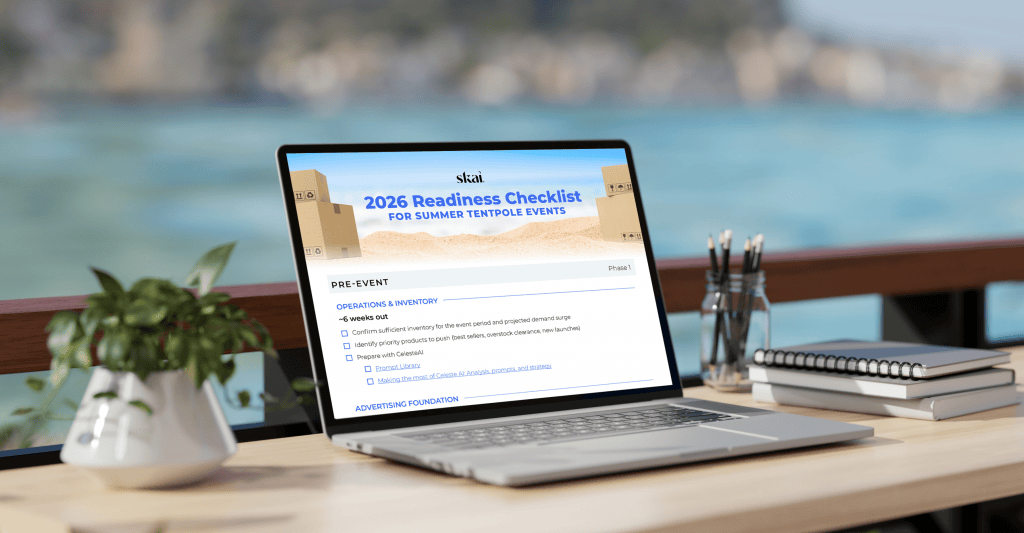
2026 Summer Tentpole Readiness Checklist
Don’t miss a step as you strategize for success during summer tentpole events in 2026.


Don’t Miss These Webinars
2026 Prime Day Panels
From Shopper Intent to Winning Playbook
Skai partnered with Tinuiti for this Prime Day panel series. Skai’s own Kenzie Oster joined their experts to cover everything from consumer intent to tactical execution.
To AI or Not to AI
Amazon Prime Day and Walmart Deals Day
Quick Tips for Celeste AI & Custom Agents
Use these prompts to prepare your strategy ahead of summer sales events.
Create a plan with Celeste
“Using my last 30 days of data, create a 4 week optimization plan for [event name, dates] with daily campaign and publisher actions, bid and budget % changes based on ROI and CPC, pauses for ROI < 1x, and YoY comparisons across my top 3 publishers by spend.”
Identify gaps in your Dimension & Category coverage
“Analyze the campaigns in [@Profiles]. Create a table that lists every Dimension and Category used in these profiles and rank them from most to least coverage (highest percentage of campaigns populated to lowest).”
Automate with an Agent
Check for targeting inefficiencies with Keyword & search term health check template or create a Custom Agent directly from your prompt.

Analyze during the event to stay on top of your campaign with these prompts.
Proactively detect hurdles
“Detect abnormal [event day] performance shifts across publishers, campaigns, and audiences. Recommend actions to protect efficiency, scale winners, and cut wasted spend.”
Pivot your strategy based on results
“Compare today’s [event name] performance against yesterday and the same [event name, date(s)] period last year. Highlight significant performance changes, risks, and opportunities requiring immediate optimization.”
Automate with an Agent
Evaluate your month to date spend or spend on specific campaigns with Budget pacing & spend targets template or create a Custom Agent directly from your prompt.

Use these prompts after the event to produce easy reports.
Jumpstart your post-event analysis
“Build a [event name, date range] performance recap summarizing spend, revenue, ROI, CPC, and conversion trends by publisher and campaign, including YoY comparisons and key optimization insights.”
Share results with stakeholders
“Generate an executive ready tentpole summary for [event name, date range] with key wins, risks, optimization learnings, publisher performance rankings, and recommendations for future tentpole events.”
Automate with an Agent
Analyze and report on results using Single profile performance report template or create a Custom Agent directly from your prompt.
