SKAI DECISION PRO
Decisions Worth Trusting
Make quick and confident decisions about where and how to invest your media budget for maximum impact with Skai Decision Pro.
Oversee advertising across any publisher





Transform omnichannel decision making
Connect all your media, organize it the way you need it, and uncover actionable insights for faster, data-driven decisions.

Say goodbye to complex BI tools
Skai Decision Pro is purpose-built to streamline insights for media teams without the need for extensive data expertise.

Not using Skai for activation? No worries!
Access Skai Decision Pro via the Skai platform or as a standalone solution—regardless of what activation tool you use.
Take control of your media program with Skai Decision Pro’s unique capabilities
Executive HQ

Visualize media performance and spend across all channels, including paid search, paid social, retail media, display, connected TV, and more.
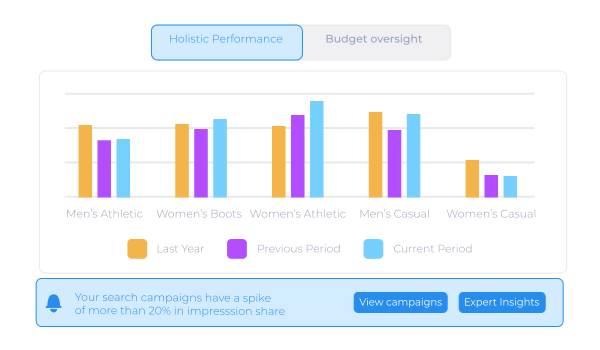
At a glance, Executive HQ can answer:
Are all of my campaigns live and spending?
Which channels are performing best?
How are budgets pacing across channels?
Where should I increase or pull back on budgets?
Spotlights

AI-powered alerts uncover anomalies and other significant spend and performance changes to highlight potential opportunities or threats.
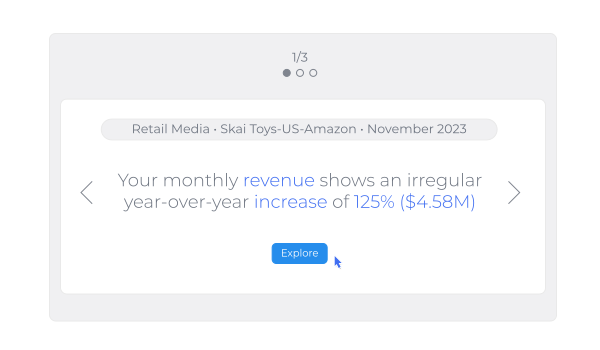
At a glance, Spotlights can answer:
Why is performance down this month?
Which campaign type is affecting my cost per click?
Which campaign is causing revenue to decrease?
Which channel has the most positive affect on ROAS?
Media Forecasting

Quickly understand the impact of budget changes on media performance and business results in order to better allocate spend across channels.
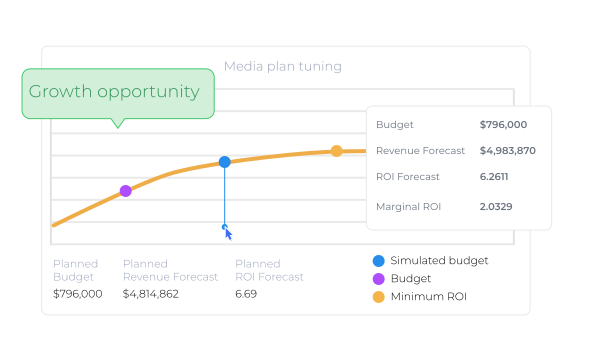
At a glance, Media Forecasting can answer:
How will an increase in budget affect my ROI this month?
Where can I allocate this additional budget so it makes the most impact?
How can I minimize the negative impact of reduced spend next month?
Which channels should I add budget to and how much should I add to each?
Media Plans

Powering other Skai Decision Pro capabilities, Media Plans is a tool to organize, centralize, and visualize monthly and multi-month budgets in one place.
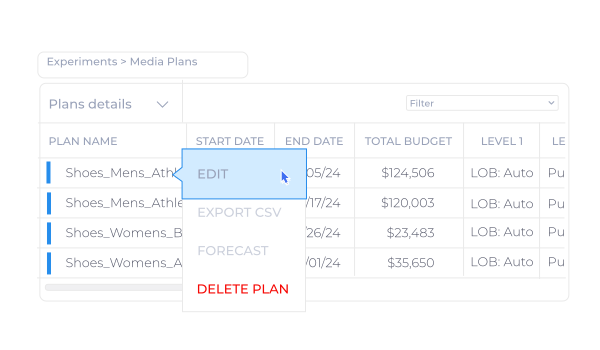
At a glance, Media Plans can answer:
What is the planned budget by region or product line?
Where can I see all my monthly budgets at once?
What is my total budget for each channel?
How can I ensure my team is using the latest budgets?
Skai Decision Pro is a game-changer for our clients
“As more brands trust us with their multi-retailer advertising, Skai Decision Pro is crucial in media planning and vendor negotiations, giving us confidence in budgets and performance.”

Jacob Snelson
Chief Media Officer

“As someone who has navigated the digital marketing maze, finding a tool that combines AI-driven insights with strategic control is a major win.”

Jackie Andreetta
Director of Amazon/Growth

“Skai Decision Pro brings together spend and performance data, helping us identify priorities and discover insights that deliver great outcomes and ongoing opportunities.”

Jason Omenn
VP, eCommerce & Digital Strategy
